SNAP — Automated Event Planning Software
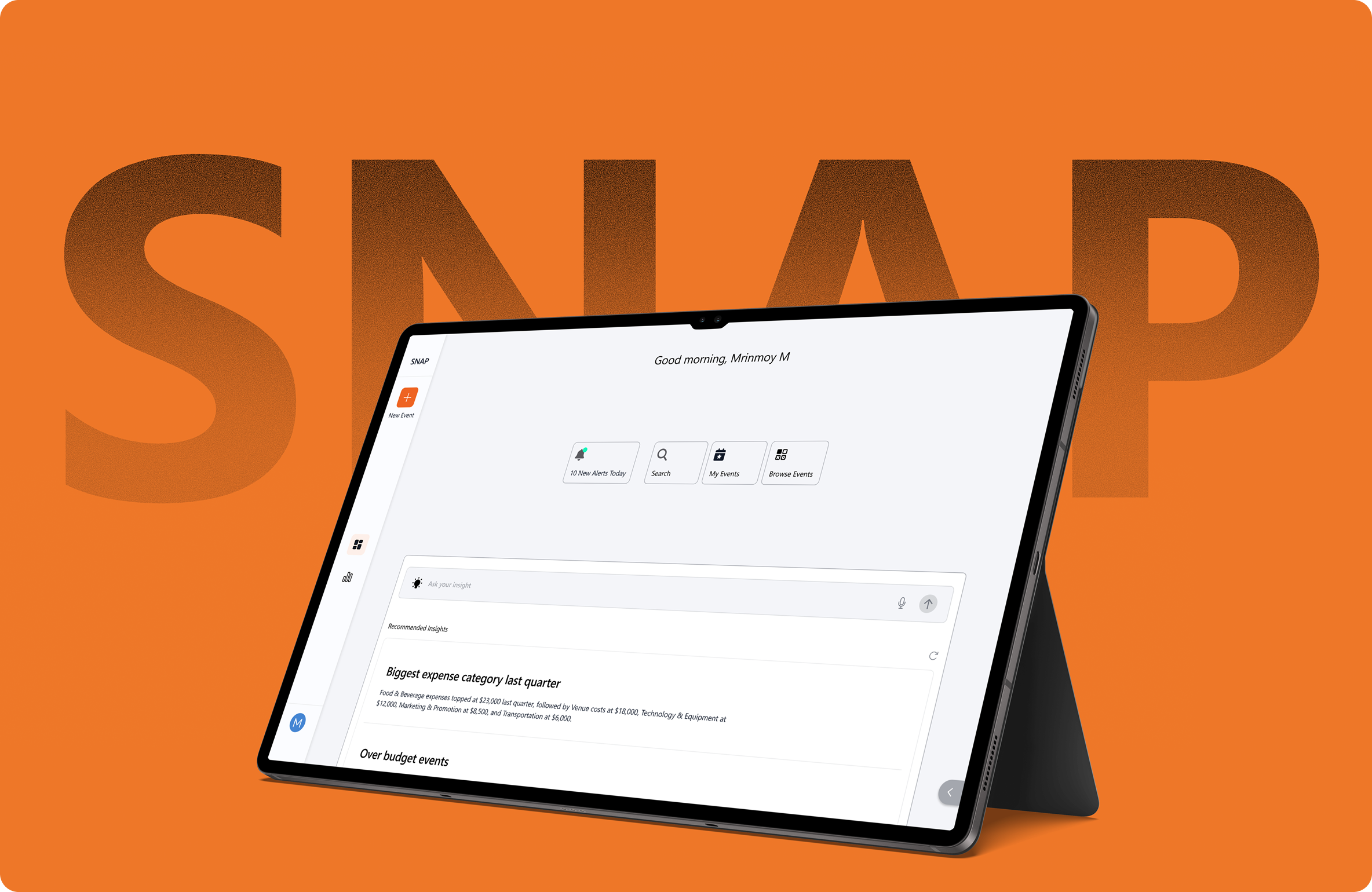
SNAP unifies RFI, RFQ, RFP and SOW with task management, vendor selection, budgeting and event creation into one conversational, step-by-step workflow. A procurement manager can move from request to award without leaving the canvas.
Event teams were juggling fragmented tools: Olive, Aura and Siemens for RFQ; Jira, Monday and Asana for tasks. The result was manual vendor requests, unclear approval status, poor budget visibility and complex RFI / RFP / RFQ processes that demanded excessive follow-up and coordination.
Self-driven research showed event planning is a long procurement story. Stakeholder interviews, competitive audit (Olive, Aura, Siemens, Jira, Monday, Asana), identifying top user jobs (plan an event, request vendors, track budget), developing personas (organisers, admins, finance), framing How-Might-We questions, then drafting, testing and iterating on SNAP screens with internal stakeholders and early users.
A conversational, step-by-step experience where each screen focuses on one clear action. AI-assisted RFP creation lets users upload an existing document or PDF and have the structure extracted automatically. The home screen surfaces priorities and next actions; RFP, vendor selection, budget and task screens connect into a single procurement spine.
Gen-Z professionals aged 18 to 30 working in event planning and operations. Digitally native users who are impatient with slow systems and expect fast, intuitive, conversational experiences with minimal effort.
Olive, Aura and Siemens focus on RFQ workflows. Jira, Monday and Asana specialise in task management. No single SaaS product combines RFI, RFQ, RFP and SOW with task management, vendor selection, budgeting and event creation in one unified platform. That is where SNAP's end-to-end value lives.
A clear overview of priorities and next actions: pending approvals, alerts, upcoming events. Users immediately understand status and stay focused on what matters most.
Guides users through defining requirements in a clear, step-by-step manner. Complex documentation broken into reviewable sections with inline progress and AI-extracted fields.
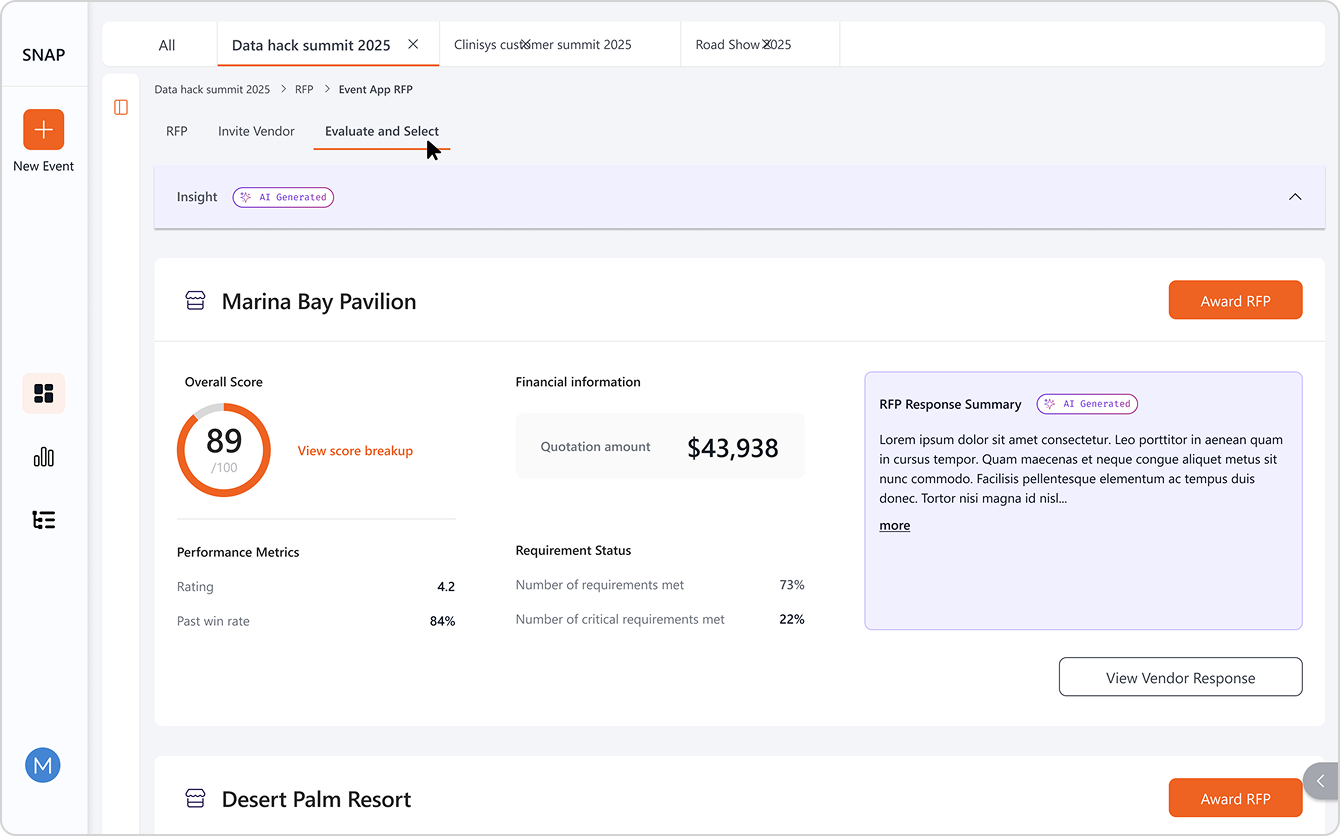
A single screen to compare vendor responses, view performance metrics, and award the right partner without opening five other tabs.
Projected estimates, total spend versus budget, risk flags and approval status. The numbers that matter, in the order managers ask for them.
I initially assumed RFP was a standalone feature. The deeper I researched, the clearer it became that RFP is one stage in a larger procurement process spanning RFI, RFQ and SOW. Translating that interconnected process into a clear digital experience was not straightforward, so I started by designing the RFP flow, then gradually expanded the system to include the other stages, keeping each step simple and understandable.
Through iteration, the layout had to become more minimal to reduce cognitive load. Procurement managers are the primary persona shown here; event planners, finance managers, vendors and approvers are part of the same workflow but appear in adjacent case studies.
The shipped product, measured by what it changed.